Words of Wonders: Crossword vs WordSearch Kids
How do Words of Wonders: Crossword and WordSearch Kids compare on difficulty, ad pressure, in-app-purchase pressure and what real reviewers say? A side-by-side look, grounded in App Store data.
 Words of Wonders: Crossword Words of Wonders: Crossword | 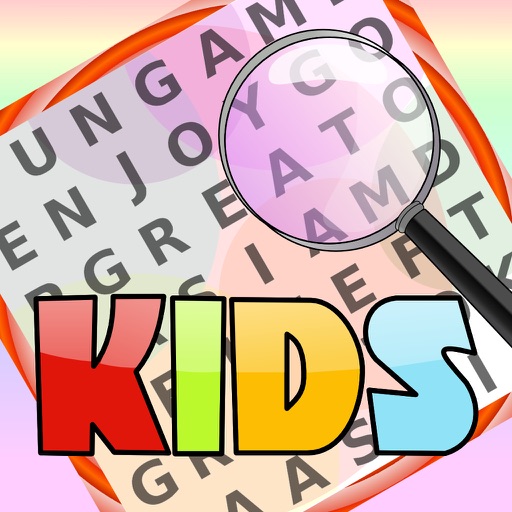 WordSearch Kids WordSearch Kids | |
|---|---|---|
| Genre | Word | Word |
| Price | Free | Paid |
| Difficulty | medium | easy |
| Ad intensity | high | none |
| In-app-purchase pressure | medium | none |
| Typical session | short | medium |
| Rating | 4.9 / 5 | 4.0 / 5 |
| Ratings count | 1,019,741 | 8 |
| Reviews say | What players like
Common complaints
| What players like
Common complaints
|
Words of Wonders: Crossword — Connect letters to uncover hidden words across progressively challenging puzzle levels inspired by world wonders. (rated medium difficulty, high ad pressure) WordSearch Kids — A colorful word search game for kids with audio feedback and multiple difficulty levels, playable solo or as family fun. (rated easy difficulty, none ad pressure)
Still deciding? Ask the finder — grounded in real reviews:
Data: Apple App Store, as of 2026-08-24. Last updated 2026-08-24.